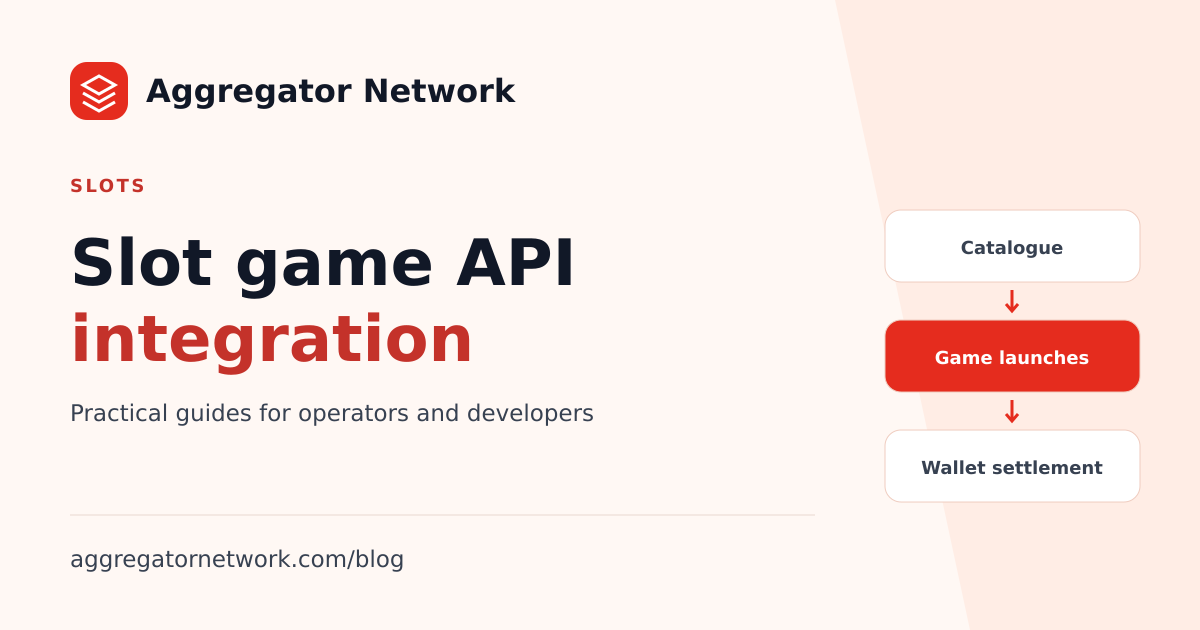
A slot game API connects an operator backend to a provider catalogue and game-launch service. For a casino team, the useful question is how to turn that connection into a lobby players can browse, sessions the wallet can account for, and promotions the selected games actually support.
This guide follows Aggregator Network's current operator interface. Start with a small, enabled set of slot games, prove the complete launch and settlement journey, and then expand the catalogue. That gives your team a repeatable release process as providers, currencies and game availability change.
1. Choose slot providers by supported access
Build a shortlist around your intended play currencies, markets and player experience. A provider name on a public directory helps with discovery, but the account's enabled inventory determines which titles your backend can launch. Use the casino game provider catalogue alongside the provider and currency reference to make that distinction explicit.
For each shortlisted provider, record the exact games you want to test, the currencies you need, whether trial launches are supported, and which optional features matter to your product. The Pragmatic Play integration guide and PG Soft integration guide connect provider-specific planning to the current catalogue. Confirm account access before turning a shortlist into a launch commitment.
2. Build the slot lobby from catalogue identifiers
Request inventory with the documented getGameList command and an enabled play currency. Store the returned game name, provider and exact launch identifier. For compact records, the launch identifier is s; in detailed records it is id_hash. Substituting a numeric database-style game ID can break launches even when the lobby displays the correct title.
The game catalogue API reference explains the current response shapes. Keep your display layer separate from the launch contract: your frontend can group and search games, while your backend sends the original identifier. Refresh cached catalogue data and handle unavailable games with a clear message rather than leaving a player on a broken launch screen.
Do not use a single flag as the complete capability inventory. The current compact connection reports d and fb as false; a successful permitted demo request is the check for trial availability. Provider access can also change between a cached catalogue response and a later launch.
3. Test demo and funded sessions separately
Use demo game launches to check a permitted title's loading behavior, navigation and mobile presentation. Test portrait and landscape layouts, return to the lobby, and what the player sees when a session expires. A working demo validates that demo path; it does not validate real-money wallet handling.
For a funded session, your backend uses the game launch API. Reserve the starting funds in your player wallet before dispatch, persist the operation's idempotency key, and retain the player, currency and game association. Keep the Application API Key on the backend. The game URL can go to the player after the backend checks the response.
4. Treat free rounds as a supported promotion
If free rounds are part of your slot product, verify the exact provider, game and currency combination first. Aggregator's current documentation supports free rounds for eligible PG, Pragmatic Play and JILI slot games. That does not mean every slot from those brands accepts every campaign setting.
The free rounds API guide describes grant amounts, stake, validity and idempotency. Send an explicit stake so the promotion is unambiguous. A grant acknowledgement is not a live counter of consumed rounds. Use the unused-round cancellation guide when a campaign needs to stop for a particular player and game; list-all and cancel-all operations are currently unsupported.
5. Release the lobby only after settlement checks
Slot launches and wallet callbacks belong to one operational flow. Verify callback signatures against the exact delivered body bytes, accept each settlement identity once, and preserve decimal precision. Keep launch records so a callback can be associated with the right player and play currency even when the event omits some context.
Follow the wallet settlement architecture guide for reservations, delayed events and recovery. Your acceptance test should cover a normal round, duplicate callback delivery, a delayed settlement, an unavailable title, and a launch whose outcome is uncertain. These scenarios are more useful release evidence than a large catalogue count.
Slot API launch checklist
- Confirm the enabled provider, exact title, currency and market scope.
- Preserve catalogue launch identifiers and refresh stale inventory.
- Test supported demos on desktop and mobile.
- Prove funded-session reservations, callbacks and reconciliation.
- Validate each promotion on the intended supported game.
- Review activation plans and keep production GGR funding separate from player funds.
Use the casino API integration guide to connect the slot lobby to the rest of your backend. If you also need a player-facing interface, the ready-made casino website guide explains the delivery questions to settle before choosing that route.
Written from the current platform API documentation and integration handbook. For access confirmation or a documentation correction, contact the integration team.