A sportsbook API integration starts with a product decision. Your team needs to know whether it is connecting a hosted sports experience, an odds or event feed, a betting interface, or a wider operational service. Those connections can have different account, wallet and settlement contracts even when they appear under the same sports category.
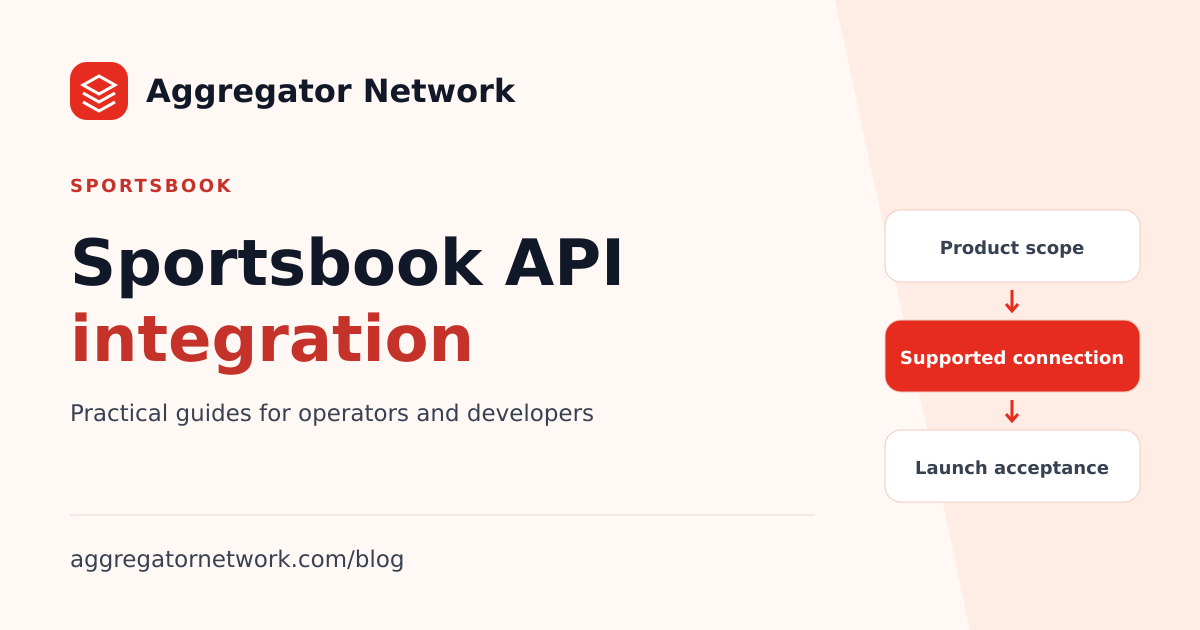
For Aggregator Network, the first step is to confirm the supported sports connection for your workspace. The current public sports reference states that 9Wicket is unavailable through POST /v1/commands. A sports category in a website or provider directory does not establish a supported command-API launch path.
Specify the sportsbook experience you need
Describe the player's intended journey before choosing endpoints: discover events, open a sports product, place a bet, view open activity, and return to an account or cashier page. Identify which parts belong to your website and which belong to the contracted provider.
Ask whether the connection supplies a hosted interface, data for your own interface, or both. For example, receiving an event feed does not by itself establish bet placement or account settlement support. A hosted sports interface can have its own session and navigation requirements. Your integration plan should name the actual contracted interface for every step.
Use the current provider catalogue for initial discovery and the sports availability reference for the published command-API boundary. Request workspace-specific confirmation through the integration team before estimating development against a particular product.
Confirm access at the product level
Prepare a scope matrix covering the sports provider, product, play currencies, intended markets, test environment and launch method. Include mobile behavior and any required language support. Record who confirms each item and when it was last checked.
The provider and currency guide explains the general access checks for the casino command interface. It should not be treated as documentation for an unconfirmed sports protocol. Similarly, a package described as offering an available catalogue does not automatically enable every sports product you have seen elsewhere.
For 9Wicket, the current limitation is specific: it is excluded from the command catalogue and cannot be launched through the documented command API. Confirm whether a supported alternative connection exists for your intended scope. Do not build a presumed getGame request around that provider label.
Obtain the wallet and settlement contract
Sports products may need to account for open bets, cancellations, voids, later result settlement and adjustments. Ask which operations the supported connection exposes and how those operations affect available and reserved player funds. These are evaluation questions, not a claim that Aggregator's casino interface supplies those endpoints.
Establish the event identity, signing method, amount semantics and ordering rules. Confirm whether an event contains a delta or a balance snapshot, how an earlier settlement can be corrected, and how the system reports an uncertain result. Record the source of truth for each financial state.
The casino wallet settlement guide shows Aggregator's documented casino contract. It is a useful example of the questions a wallet design must answer, but its fields and recovery behavior must not be copied into a different sports integration without that connection's documentation.
Test more than the first session launch
Once the supported connection and test scope are confirmed, agree an acceptance plan with the provider and account team. Include login or session creation, return navigation, duplicate events, a delayed financial result, interrupted connectivity and a reconciliation path for uncertain activity.
Where the contracted product supports cancellation, voids or settlement corrections, test them explicitly. Check how open activity is displayed when a session ends and how account support can trace it later. Your records should make it possible to connect a player's complaint to the provider's session or transaction identity.
Your team should also test the actual sports experience on narrow mobile screens. Event lists, navigation and any embedded interface need to work in the supported browsers. A visually successful demo is one acceptance item, not the complete release decision.
Compare commercial and operating scope
Ask for the applicable activation terms, billing definition, rates, funding requirements and any additional contracted services. Keep player funds separate from platform access purchases and operational funding. Use published platform pricing as a starting reference, then confirm the terms of the supported sports connection.
Do not apply the GGR calculator to an unconfirmed sports billing model merely because the labels look similar. The grouping and treatment of adjustments should match the agreement you will actually operate under. Assign ownership for account support, provider escalation and reconciliation before launch.
Decide whether a combined website fits your scope
If your project needs slots, casino and sports navigation in one player website, evaluate the turnkey website offering alongside the confirmed backend products. Website categories describe presentation; product enablement describes what the account can use in production.
The ready-made casino website checklist helps define frontend delivery responsibilities. The game aggregator evaluation guide helps compare support and connection ownership. Bring those decisions together with the integration checklist and the sports connection's own documentation before committing to a launch plan.
Written from the current platform API documentation and integration handbook. For access confirmation or a documentation correction, contact the integration team.